
What to press
- Open Settings (left menu, Settings group).
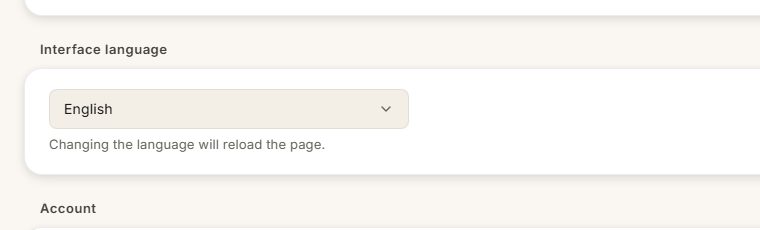
- Find the Interface language card.
- Pick English or Русский. The page reloads in the new language.
Good to know
- The auto option follows the language of your browser.
New look: In the new look: Dock → Settings → Profile & language (on a phone: More → Settings).
Still stuck? Write to our team: the chat button in your dashboard, the Support page or Telegram @ManyFansAi.Open SupportTelegram support @ManyFansAi →