
What to press
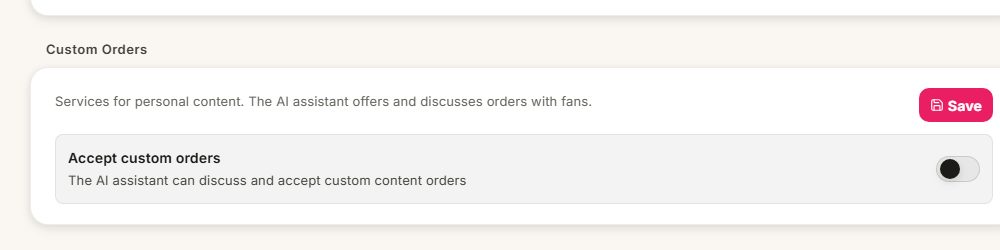
- Open Settings, the Custom Orders group.
- Turn on Accept custom orders and press Save. The switch works only after Save.
- Under Services press Add and fill in the title, description and prices: for non-subscribers, for subscribers, for VIP, plus days to make and prepayment.
- Press Save.
Good to know
- Custom orders are off by default.
- When a fan asks for a custom, Lola says you do customs and calls you: a card comes to the bell in your dashboard, and to Telegram if it is connected. You name the price and the deadline yourself. Lola does not name prices.
- Your price list still matters: by it we recognize the price you agreed on and count the payment for the order.
- The account owner and supervisors see this group. Other team members do not.
New look: In the new look: Settings → Custom orders; the switch and the price list save at once.
Still stuck? Write to our team: the chat button in your dashboard, the Support page or Telegram @ManyFansAi.Open SupportTelegram support @ManyFansAi →